


Description
| Specification | Details |
|---|---|
| Brand | TP‑Link |
| Model | TL‑WA855RE V2 |
| Wireless Speed | Up to 300 Mbps (2.4 GHz) |
| Wireless Standard | IEEE 802.11b/g/n |
| Antenna | 2 × external- MIMO |
| Ethernet Port | 1 × 10/100 Mbps RJ45 |
| Buttons | WPS- Reset |
| Operating Modes | Range Extender (Repeater)- Access Point |
| Signal Indicator | LED showing signal strength |
| Power Schedule | Yes |
| App Management | TP-Link Tether App |
| Power Consumption | Approx. 3.6 W |
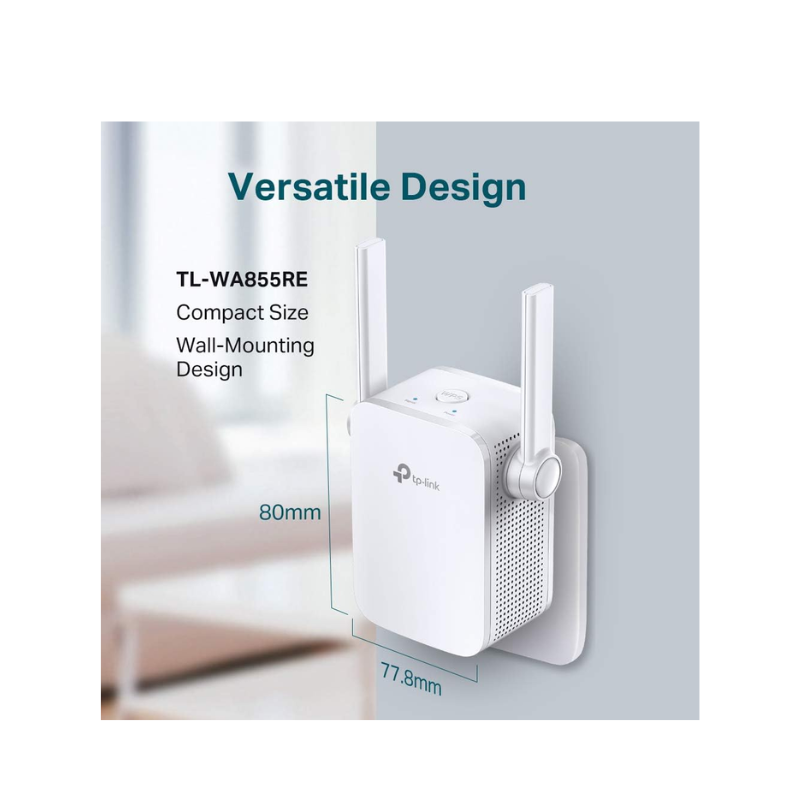
| Dimensions | ~80 × 77 × 80 mm |
| Operating Temp/Humidity | 0–40 °C- 10–90% non‑condensing |
| Security | WEP- WPA-PSK- WPA2-PSK |
| Certifications | CE- RoHS |
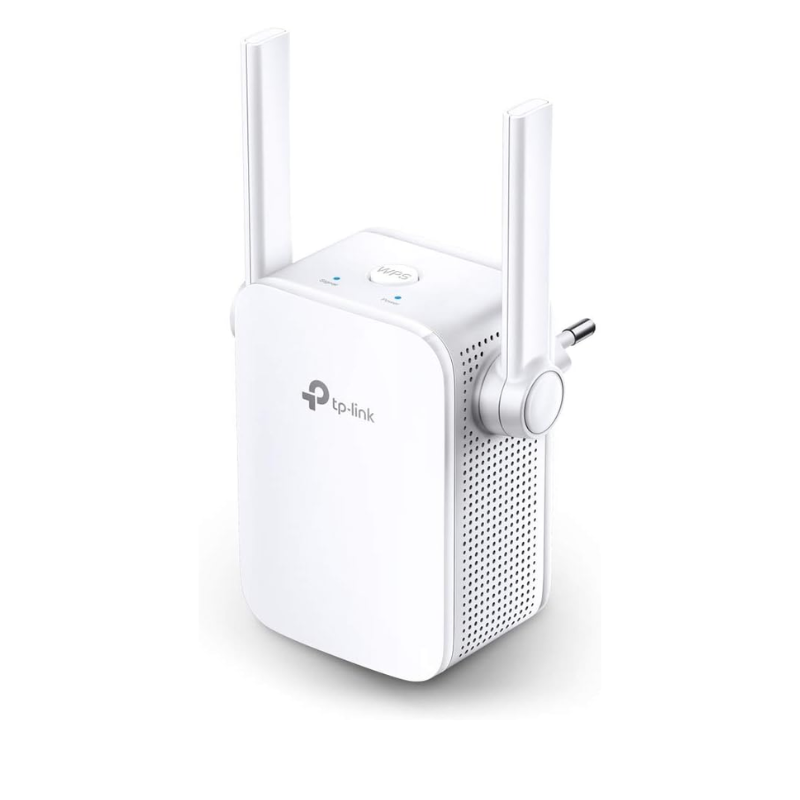
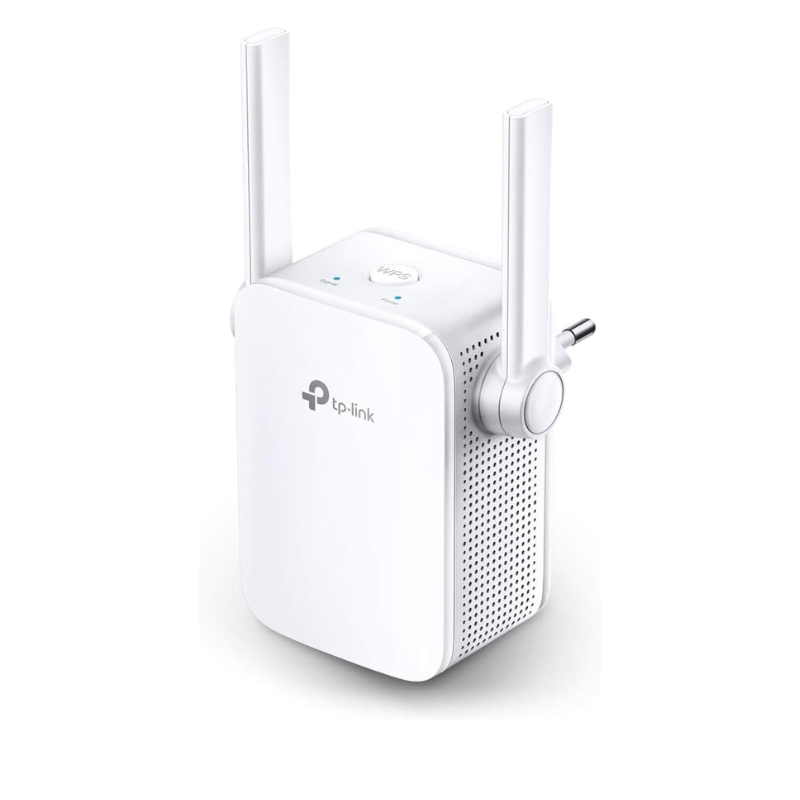
TP‑Link TL‑WA855RE V2 Wi‑Fi Repeater / Range Extender – 300 Mbps (2.4 GHz)
Reliable Signal Extension for Your Home
The TP‑Link TL‑WA855RE V2 is a compact plug-in extender designed to boost your existing Wi‑Fi signal up to 300 Mbps on the 2.4 GHz band. It's ideal for eliminating dead spots and enhancing connectivity for HD streaming- web browsing- VoIP calls- and casual gaming
External Antennas & MIMO for Better Stability
Equipped with two external antennas and MIMO technology- this extender ensures enhanced signal reliability and improved wireless reach compared to internal‑antenna models
Plug-In Wall Design with Simple Placement
Its wall-plug form factor takes up minimal space. A signal-strength LED helps you find the best location for the device — green indicates strong connection- red means placement is too far from the router
Easy Setup with WPS Button
Setting up is seamless: press the WPS button on your router- then press the Range Extender button on the unit. This bypasses the need for a computer or app
Dual Operating Modes
Can function in two modes:
Range Extender (Repeater mode): wirelessly extends your router’s network
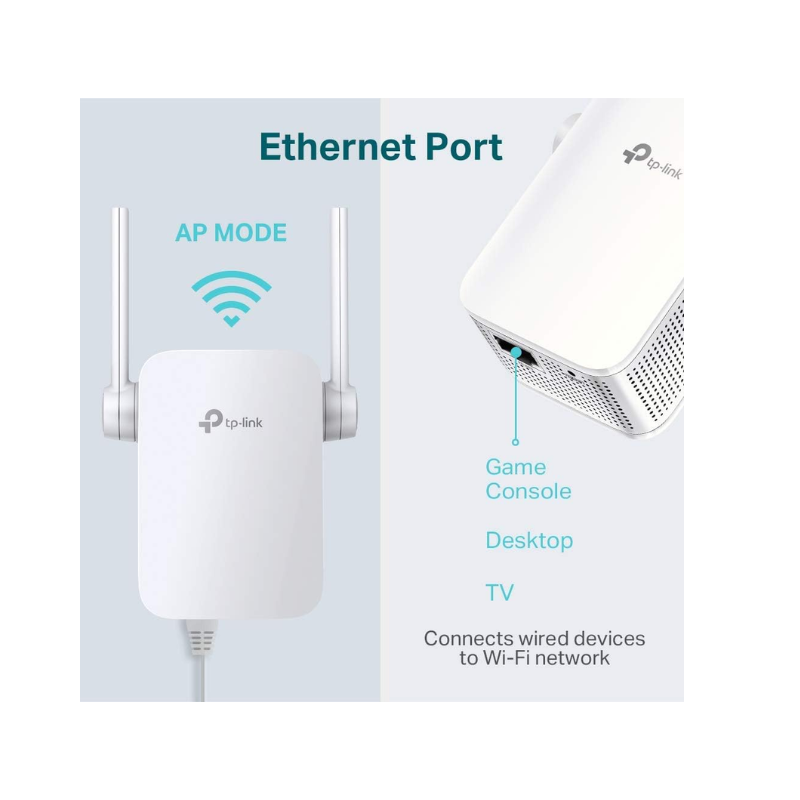
Access Point (AP mode): connects via Ethernet cord to create a new Wi‑Fi hotspot
Ethernet Port for Wired Devices
Includes one 10/100 Mbps RJ45 port- which lets you connect wired devices like smart TVs or gaming consoles and extend Wi‑Fi to them
Power Scheduling & App Management
You can schedule on/off times for energy saving. Manage settings and monitor performance using TP‑Link’s Tether mobile app
Compact and Efficient
Consuming only about 3.6 W- it has dimensions around 80 × 77 × 80 mm- making it a discreet yet effective solution
Frequently Asked Questions (Q&A)
Q: Does it really improve Wi‑Fi coverage?
A: Yes- many users report notable improvements in range and connection stability- especially in previously weak signal zones
Q: Is the speed as fast as advertised (300 Mbps)?
A: Due to single-band operation and half‑duplex mode- actual throughput is often much lower—many users see only around 10–20 Mbps in practice .
Q: Any known issues with this model?
A: Some report connectivity instability or DHCP conflicts when used with certain routers. Disabling Smart DHCP on the extender often resolves these issues
Q: Does it support wired devices?
A: Yes. AP mode lets you plug a wired device into its Ethernet port and serve it Wi‑Fi access .
Q: Should I consider upgrading to a mesh system or dual-band extender?
A: If you require higher speeds or less interference- a dual-band or mesh system may offer better performance and reliability