


وصف
| الميزة | المواصفات |
|---|---|
| السعة | 240 جيجابايت |
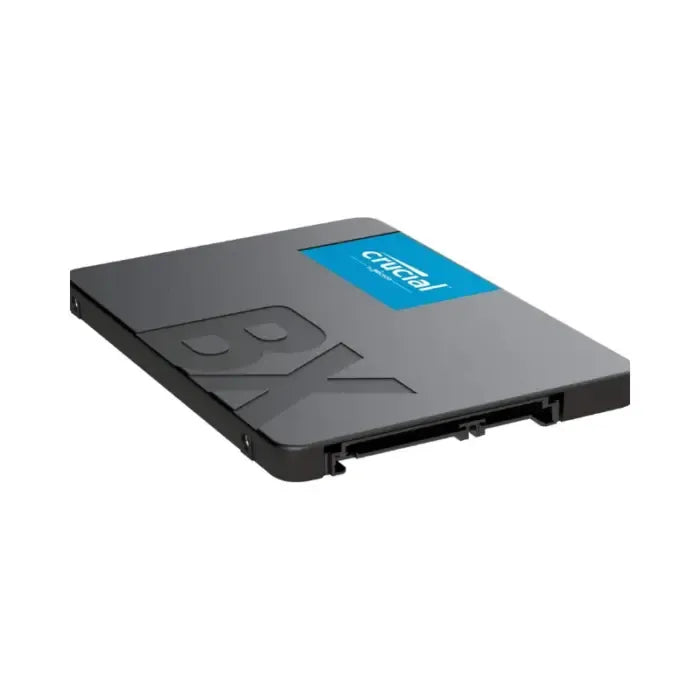
| عامل الشكل | 2.5 بوصة - ارتفاع 7 ملم |
| الواجهة | SATA III 6 جيجابت/ثانية |
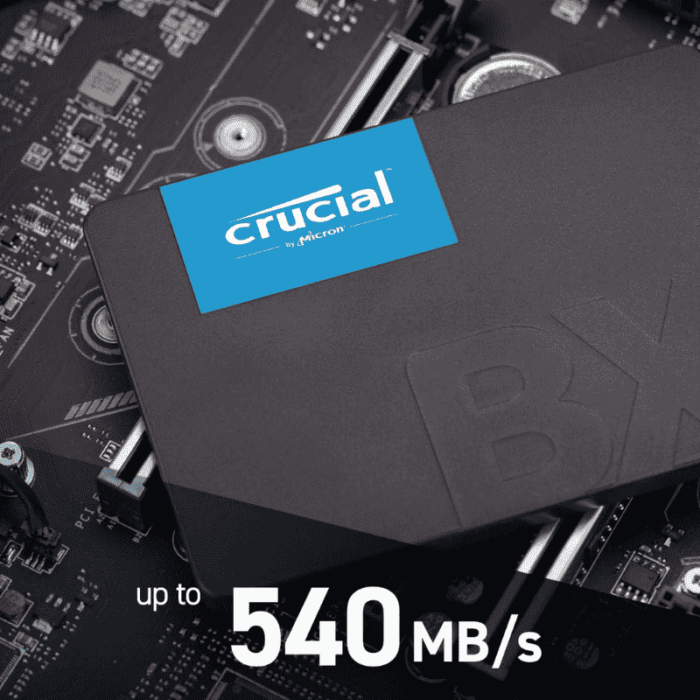
| القراءة/الكتابة المتسلسلة | 540 ميجابايت/ثانية / 500 ميجابايت/ثانية (انفجار) |
| حجم ذاكرة التخزين المؤقت SLC | ~42 جيجابايت |
| NAND | Micron 3D QLC |
| التحمل (TBW) | 80 TBW |
| MTBF | ~1.5 مليون ساعة |
| مقاومة الصدمات | 1500G / 0.5 مللي ثانية |
| الضمان | 3 سنوات |
| البرنامج | Crucial Magician - Acronis True Image |
| الطاقة | ~60 ميجاوات نشط |
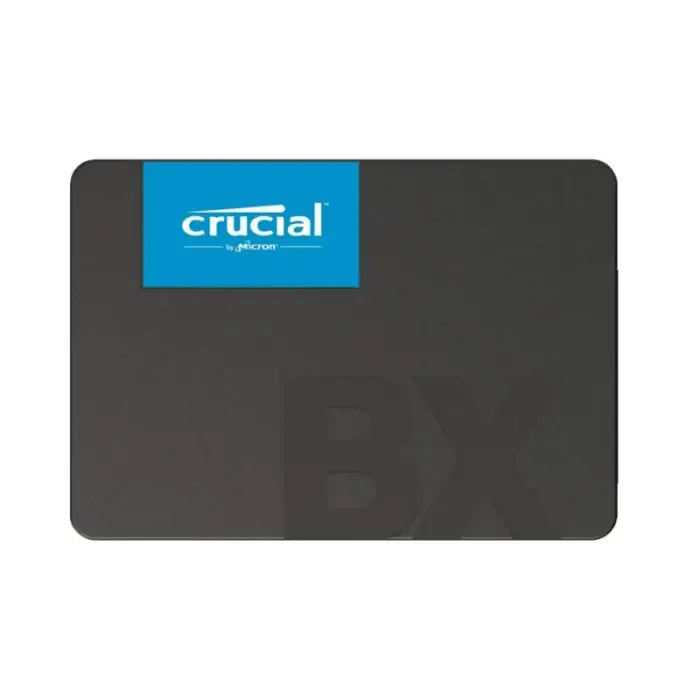
قرص SSD داخلي Crucial BX500 بحجم 240 جيجابايت SATA III – تخزين يومي اقتصادي
ترقية موثوقة من محركات الأقراص الصلبة (HDD) مع أداء رائع في العالم الحقيقي
يوفر Crucial BX500 تكلفة منخفضة للوصول إلى أقراص SSD، مما يوفر أوقات تمهيد أسرع بكثير، واستجابة نظام أفضل، وسرعات تحميل ملفات أعلى من محركات الأقراص الصلبة التقليدية. مع نفس تقنية 3D NAND الموثوقة الموجودة في موديلات Crucial المتميزة ودعم برنامج Magician الخاص بها، فهو مثالي لتعزيز أداء أجهزة الكمبيوتر المحمولة وأجهزة الكمبيوتر الشخصية اليومية.
الميزات الرئيسية
-
سرعات SATA سريعة
قراءة تصل إلى 540 ميجابايت/ثانية، وكتابة تصل إلى 500 ميجابايت/ثانية - قفزة كبيرة مقارنة بمحركات الأقراص الصلبة citeturn0search1turn0search5. -
ذاكرة QLC 3D NAND فعالة
توفر سعة عالية بتكلفة أقل - مثالية لتصفح الويب والوسائط واستخدام المكاتب. -
ذاكرة تخزين مؤقت للكتابة SLC (≈42 جيجابايت)
تتيح سرعات متسارعة - بعد استهلاك الذاكرة المؤقتة، قد تتباطأ سرعات الكتابة إلى حوالي 80 ميجابايت/ثانية citeturn0search2turn0search4. -
قدرة تحمل وضمان جيدان
مُصنّف لـ 80 TBW مع ضمان لمدة 3 سنوات - يكفي للمستخدمين النموذجيين citeturn0search7turn0search8. -
متانة على غرار سامسونج
متوسط الوقت بين الأعطال (MTBF) حوالي 1.5 مليون ساعة، غلاف مقاوم للصدمات، وميزات مثل TRIM وجمع البيانات المهملة النشط citeturn0search12turn0search8. -
برنامج Crucial Magician & Acronis
يتضمن أدوات الأداء والبرامج الثابتة والصحة، بالإضافة إلى برنامج استنساخ citeturn0search9turn0search16.
أداء ورؤى واقعية
- -SSD رخيص... جيد لمعظم الأشخاص في معظم حالات الاستخدام، خاصةً للتخزين أو عرض سطح المكتب الخفيف." citeturn0search0
"لا تشترِ هذا إذا كنت تقوم بكتابة البيانات... فهو أبطأ من محرك الأقراص الصلبة بسرعة 7200 دورة في الدقيقة." citeturn0search0
- Tom’s Hardware:
"بأسعار معقولة، سيتفوق على أي محرك أقراص صلبة كمحرك تشغيل، ولكنه يأتي مع عيوب... من الصعب التوصية به على خيارات أفضل مثل MX500." citeturn0search2
- PCWorld:
"أداء وقيمة يومية رائعان - ولكنه يتباطأ بشكل كبير عندما تنفد الذاكرة المؤقتة... يوصى بسعات أكبر." citeturn0search4
إيجابيات وسلبيات في لمحة
الإيجابيات
- تكلفة ممتازة لكل جيجابايت
- أسرع بكثير من محركات الأقراص الصلبة (HDDs)
- جيد للتطبيقات اليومية
- يتضمن مجموعة برامج مفيدة
السلبيات
- بطء في الكتابات المتواصلة بمجرد امتلاء الذاكرة المؤقتة (~80 ميجابايت/ثانية)
- سرعات كتابة عشوائية وتحمل منخفض
- غير مثالي للمهام الشاقة أو نقل الملفات المستمر
الأسئلة المتداولة
س1: هل هذا مناسب كمحرك تمهيد؟
ج1: نعم—فهو يعمل بسرعة ويعزز أداء النظام للمهام العادية. تجنب استخدامه للكتابات الكبيرة مثل تحرير الفيديو أو النسخ الاحتياطية الكبيرة.
س2: ما حجم ذاكرة التخزين المؤقت للكتابة قبل التباطؤ؟
ج2: حوالي 42 جيجابايت من ذاكرة التخزين المؤقت SLC - تبقى سرعات الكتابة عالية حتى هذا الحد، ثم تنخفض بشكل ملحوظ citeturn0search2turn0search4.
س3: هل قدرة التحمل كافية؟
ج3: مُصنّف بـ 80 تيرابايت من الكتابة الكلية (TBW) - جيد للاستخدام المنزلي النموذجي. قد تكون أعباء عمل الكتابة الثقيلة أفضل مع أقراص SSD من نوع TLC.
س4: ما هو دعم البرامج المضمن؟
ج4: يأتي مع برنامج Crucial Storage Executive (للبرامج الثابتة، والمراقبة، والذاكرة المؤقتة) وبرنامج Acronis True Image للاستنساخ citeturn0search16turn0search9.