
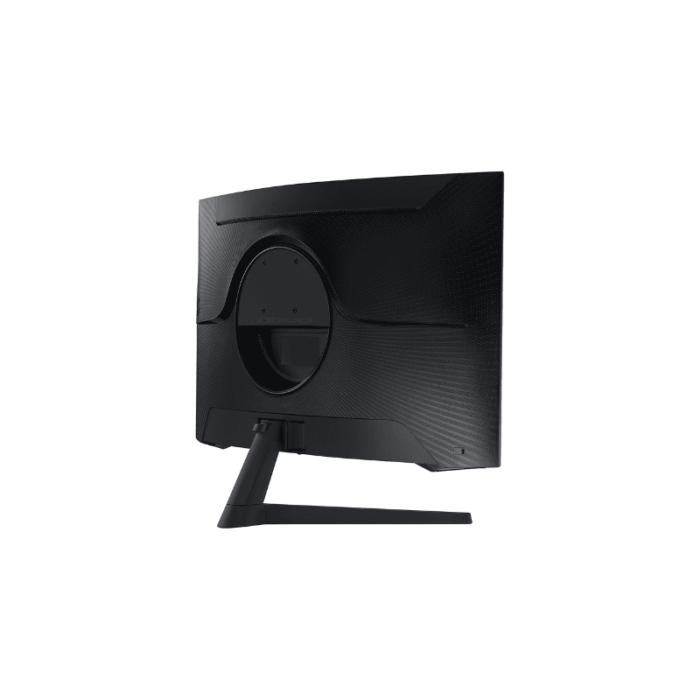
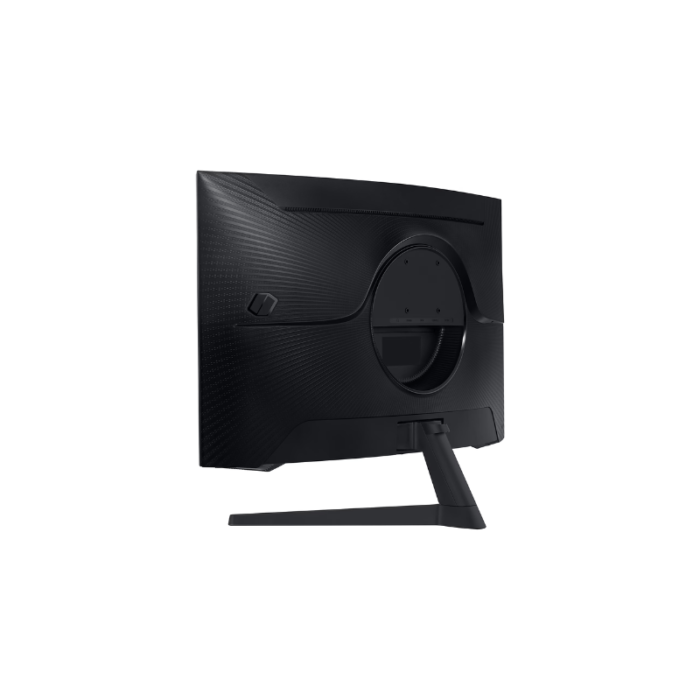


وصف
| ميزة | مواصفة |
|---|---|
| نموذج | سامسونج أوديسي G5 LC27G55TQBM (LC27G55TQWMXDWXEN) |
| الحجم / اللوحة | 27 بوصة VA- منحني 1000R |
| دقة | WQHD (2560×1440) |
| معدل التحديث | 144 هرتز (بعض المناطق تدعم تحديث البرامج الثابتة بمعدل 165 هرتز) |
| وقت الاستجابة | 1 مللي ثانية MPRT |
| السطوع (نموذجي) | ≈300 شمعة/م² |
| نسبة التباين | 2-500:1 (ثابت) |
| HDR | HDR10 |
| المزامنة التكيفية | AMD FreeSync Premium |
| زوايا المشاهدة | 178 درجة/178 درجة |
| المدخلات | DisplayPort 1.2 ×1- HDMI 2.0 ×1- مقبس 3.5 ملم |
| بيئة العمل | حامل قابل للإمالة فقط (من -2 درجة إلى +18 درجة) - تركيب VESA 100×100 |
| الأبعاد / الوزن | 616.6×382.8×120 مم (بدون حامل) - 4.1 كجم |
| ضمان | 1-2 سنة (حسب المنطقة) |
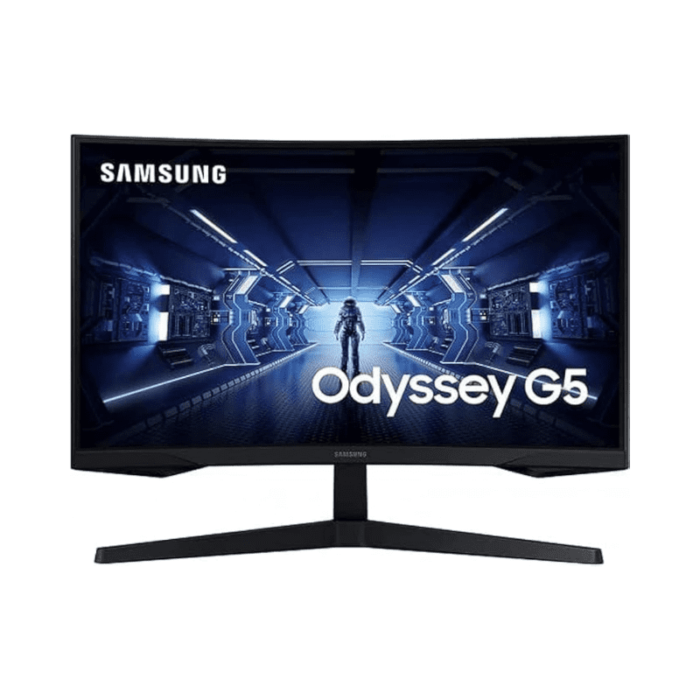
شاشة ألعاب Samsung Odyssey G5 (LC27G55TQBM WMX) - شاشة منحنية WQHD مقاس 27 بوصة (144 هرتز)
مرئيات غامرة وأداء قوي للألعاب
يقدم جهاز Samsung Odyssey G5 شاشة منحنية VA مقاس 27 بوصة بدقة WQHD (2560×1440) - بمعدل تحديث عالٍ يبلغ 144 هرتز - ووقت استجابة يبلغ 1 مللي ثانية - مما يوفر تجربة لعب غامرة وسريعة الاستجابة. انحناءه العميق 1000R يحيط بمجال رؤيتك - اللون الأسود العميق والألوان النابضة بالحياة بفضل التباين الأصلي العالي (≈2-500:1) مثالي للبيئات المظلمة.
الميزات الرئيسية
معدل تحديث سريع 144 هرتز ووقت استجابة الشاشة 1 مللي ثانية
يقلل من ضبابية الحركة وتأخر الإدخال - مما يجعل الألعاب السريعة أكثر سلاسة واستجابة.
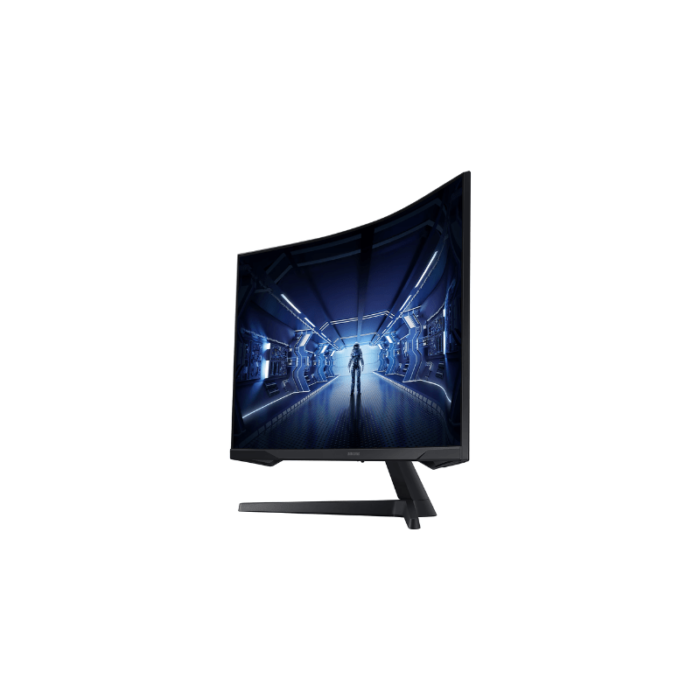
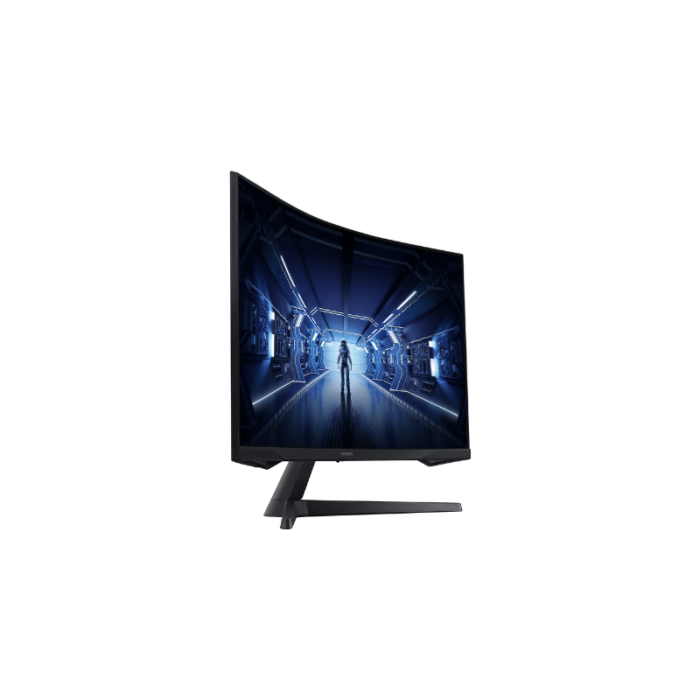
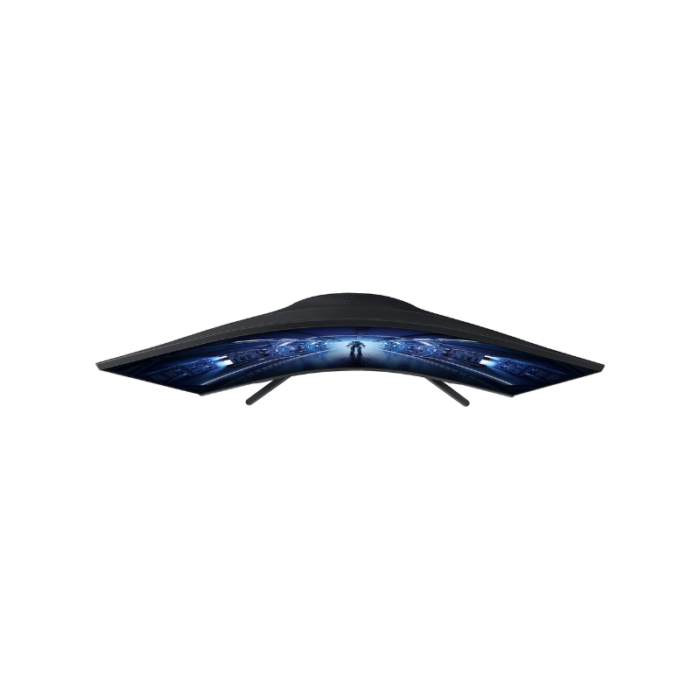
منحنى غامر 1000R
يحيط برؤيتك لإنشاء تجربة مشاهدة أكثر غامرة - مثالية لألعاب اللاعب الفردي وألعاب المحاكاة citeturn0search6turn0search4.
تباين أصلي عالي
توفر لوحة VA لونًا أسود عميقًا وتباينًا قويًا - مما يحسن العمق في المشاهد المظلمة - بمعدل تباين ثابت 2-500:1 citeturn0search2turn0search4turn0search6.
AMD FreeSync Premium
تعمل المزامنة التكيفية على التخلص من تمزق الشاشة والتلعثم ضمن نطاقات الإطارات المتوافقة citeturn0search2turn0search5.
راحة العين وتقنية خالية من الوميض
يقلل من إجهاد العين أثناء جلسات اللعب أو العمل الطويلة باستخدام أوضاع خاصة مثل Eye Saver والإضاءة الخلفية الخالية من الوميض citeturn0search4turn0search8.
دعم HDR10
تحسين HDR الأساسي للحصول على تسليطات سينمائية أكثر سطوعًا - على الرغم من أن سطوع الذروة والتعتيم المحلي يظل محدودًا citeturn0search2turn0search4turn0search6.
المنافذ القياسية والبناء
يحتوي على منفذ DisplayPort 1.2 ومنفذ HDMI 2.0 ومقبس سماعة رأس وحامل قابل للإمالة فقط ولكن يمكن تركيبه على VESA citeturn0search2turn0search4turn0search9.
ملخص الإيجابيات والسلبيات
| الايجابيات | سلبيات |
|---|---|
| منحنى غامر - تباين عالي | ليس مثاليًا للألعاب التنافسية - الظلال والتشويه مع لوحة VA citeturn0search0turn0reddit12turn0reddit13turn0reddit16turn0reddit17turn0reddit18 |
| مرئيات سلسة مع معدل تحديث 144 هرتز وتقنية FreeSync | حامل قابل للإمالة فقط؛ بيئة عمل سيئة للمكتب/العمل |
| دقة WQHD حادة مع نص واضح | مراقبة الجودة غير المتسقة - احتمال وجود بكسلات ميتة أو صبغة صفراء citeturn0reddit17turn0reddit18turn0reddit15 |