


وصف
| ميزة | محول ستارتيك | محول يوجرين |
|---|---|---|
| دعم القيادة | SSD/HDD SATA مقاس 2.5 بوصة فقط | 2.5 بوصة و3.5 بوصة SATA (مع محول 12 فولت) |
| مزود الطاقة | يعمل عبر USB | USB + 12 فولت/2 أمبير متضمن |
| واجهة | USB 3.0 (يدعم UASP) | USB 3.0 (يدعم UASP) |
| سرعات النقل | حتى 5 جيجابت في الثانية؛ أسرع بنسبة 70% مع UASP | نفس الأداء مع أي حجم محرك |
| التوافق | ويندوز- ماك- لينكس | نفس الشيء + PS4- Xbox المذكورة |
| سهولة الاستخدام | التوصيل والتشغيل - قابل للتبديل السريع | نفس |
| ميزات إضافية | دعم SMART على بعض محركات الأقراص | كابل أطول (~20 بوصة للمرونة) |
| ضمان | 2 سنة (ستار تيك) | 2 سنة (يو جرين) |
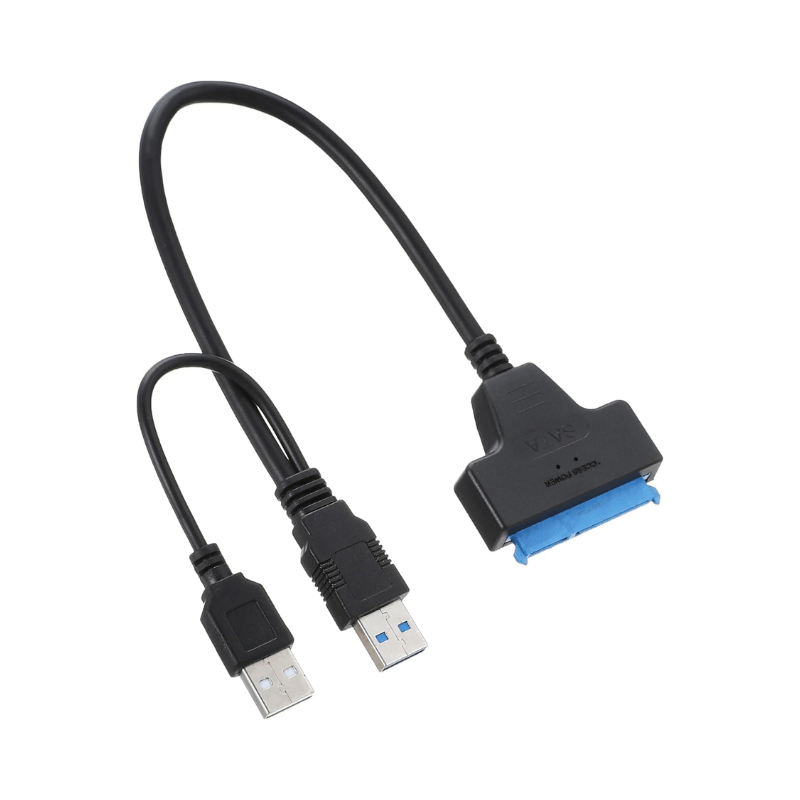
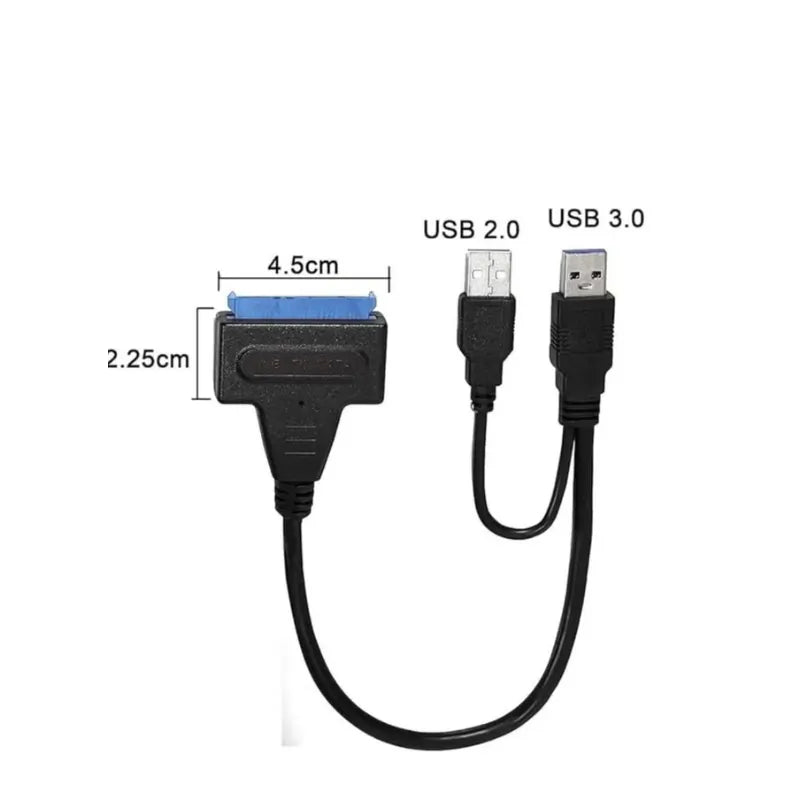
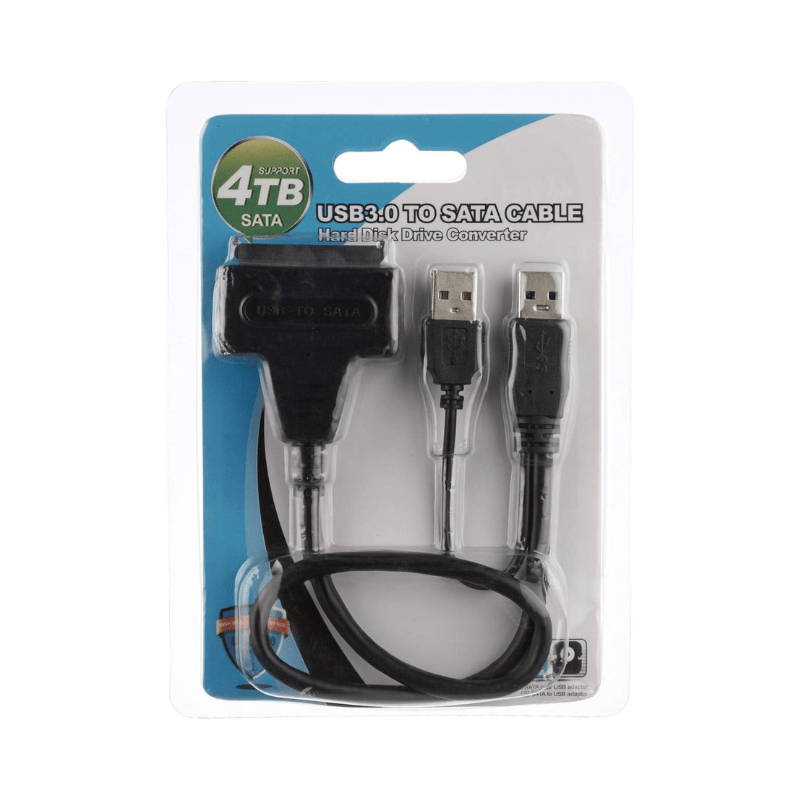
محولات USB إلى SATA مع USB 3.0 وطاقة خارجية
عندما تكون القوة مهمة: محركات الأقراص مقاس 2.5 بوصة مقابل 3.5 بوصة
معظم منافذ USB 3.0 قادرة على تشغيل محركات أقراص SSD/HDD مقاس 2.5 بوصة مباشرةً (5 فولت يوفرها USB). مع ذلك، تتطلب محركات أقراص سطح المكتب مقاس 3.5 بوصة محول طاقة خارجيًا بجهد 12 فولت ، لأن منفذ USB القياسي لا يوفر طاقة كافية.
أفضل خيارات المحولات
محول StarTech USB 3.0 → 2.5 بوصة SATA
يدعم USB 3.0 مع تسريع UASP (سرعات أسرع بنسبة تصل إلى 70٪)
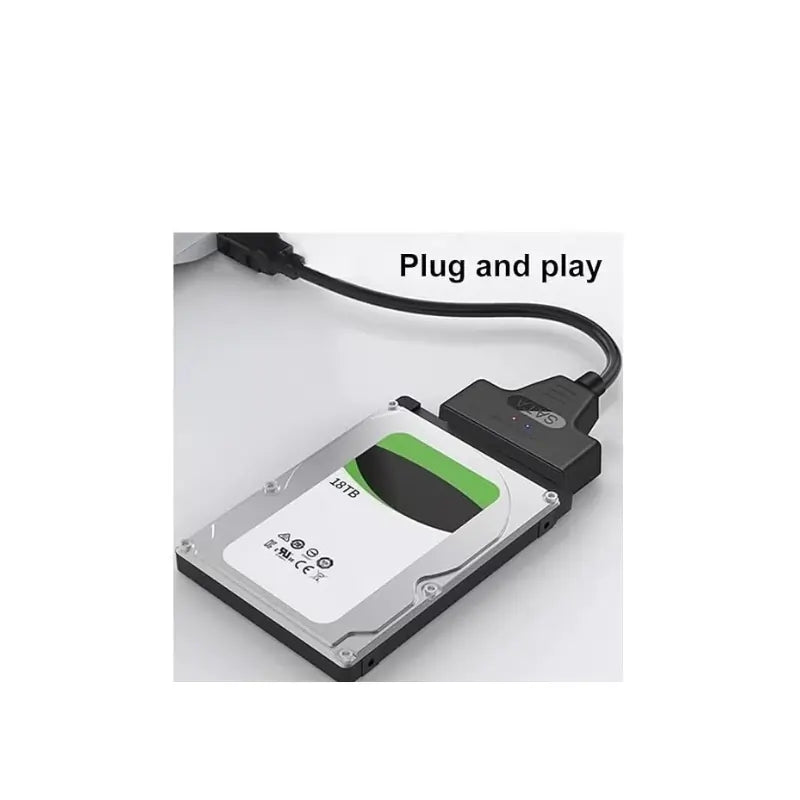
التوصيل والتشغيل - متوافق مع أنظمة Windows/Mac/Linux
مدعوم بالكامل بواسطة USB (لمحركات الأقراص مقاس 2.5 بوصة)
محول UGREEN USB 3.0 → SATA بقوة 12 فولت
يدعم محركات SATA مقاس 2.5 بوصة و3.5 بوصة
يتضمن مصدر طاقة 12 فولت/2 أمبير لأجهزة الكمبيوتر المكتبية
دعم UASP - التوصيل والتشغيل - نقل يصل إلى 5 جيجابت في الثانية
الأسئلة والأجوبة: اختيار الشخص المناسب
س: هل أحتاج إلى مصدر طاقة خارجي؟
ج: فقط إذا كنت تخطط لتوصيل قرص ثابت لسطح المكتب مقاس 3.5 بوصة - بالنسبة لذلك، يجب عليك اختيار محول مزود بمصدر طاقة 12 فولت.
س: ماذا عن سرعة النقل؟
أ: يمكن أن يصل USB 3.0 + UASP إلى سرعات نظرية تبلغ 5 جيجابت في الثانية - أي أسرع بنسبة 70% تقريبًا من عمليات نقل USB القياسية
س: هل هي سهلة الاستخدام؟
ج: هذه المحولات عادةً ما تكون جاهزة للتوصيل والتشغيل دون الحاجة إلى برامج تشغيل - وبعضها يدعم التبديل الساخن.
س: هل يمكنني استخدامها لاستنساخ محركات الأقراص أو عمل نسخة احتياطية لها؟
ج: نعم، فهي تعمل بشكل جيد في عمليات الاستنساخ واستعادة البيانات والنسخ الاحتياطي أو تحويل محركات الأقراص العارية إلى وحدة تخزين خارجية.
س: هل هذه المنتجات متوافقة مع وحدات التحكم أو أجهزة Mac؟
ج: نعم - تؤكد كل من startech و UGREEN على التوافق مع PS4 و Xbox و Windows و macOS و Linux