


وصف
| ميزة | تفاصيل |
|---|---|
| نموذج | جو كومفي W195 |
| يكتب | ماوس عمودي مريح |
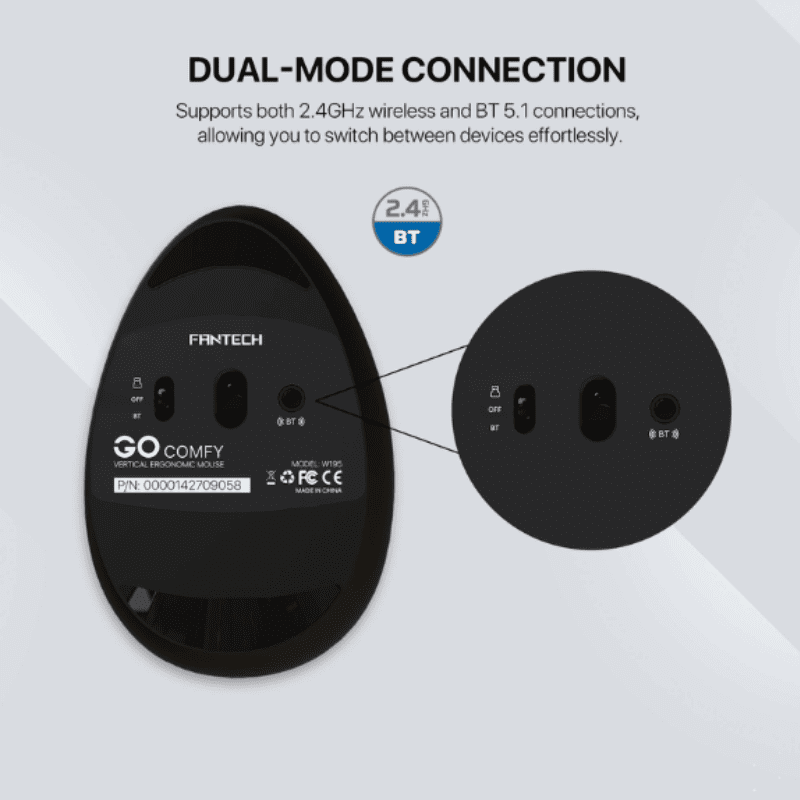
| اتصال | سلكي USB أو لاسلكي (حسب الطراز) |
| إعدادات DPI | قابل للتعديل (800 / 1200 / 1600) |
| التوافق | ويندوز - ماك أو إس - لينكس |
| الميزات الخاصة | دعامة المعصم - نقرات صامتة - التوصيل والتشغيل |
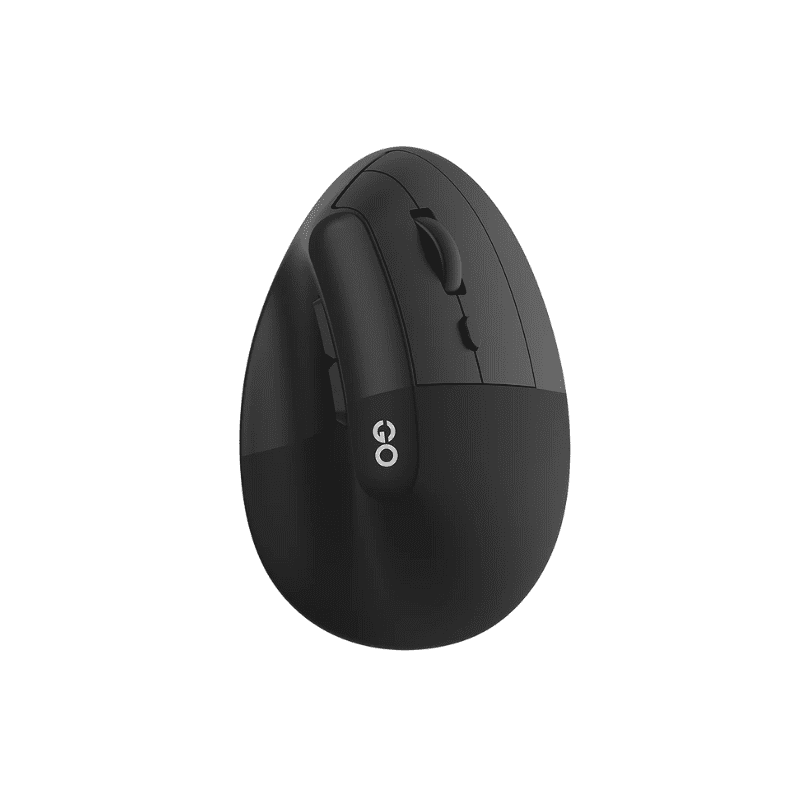
ماوس عمودي مريح Go Comfy W195 - مصمم لتقليل إجهاد المعصم ودعم وضعية جلوس صحية أثناء ساعات استخدام الكمبيوتر الطويلة. تصميمه العمودي يُعزز وضعية مصافحة طبيعية، مما يجعله خيارًا ممتازًا لموظفي المكاتب، ومحبي الألعاب، والمصممين، وأي شخص يقضي وقتًا طويلاً على الكمبيوتر.
صُمم جهاز Go Comfy W195 بدقة عالية وأداء عالٍ. بفضل إعدادات DPI القابلة للتعديل، يمكنك التبديل بسهولة بين السرعات لتتبع دقيق، سواءً كنت تعمل على مهام تصميم مفصلة أو تصفح عام. تضمن الأزرار سريعة الاستجابة وعجلة التمرير تنقلًا سلسًا وفعالًا، مما يعزز إنتاجيتك اليومية.
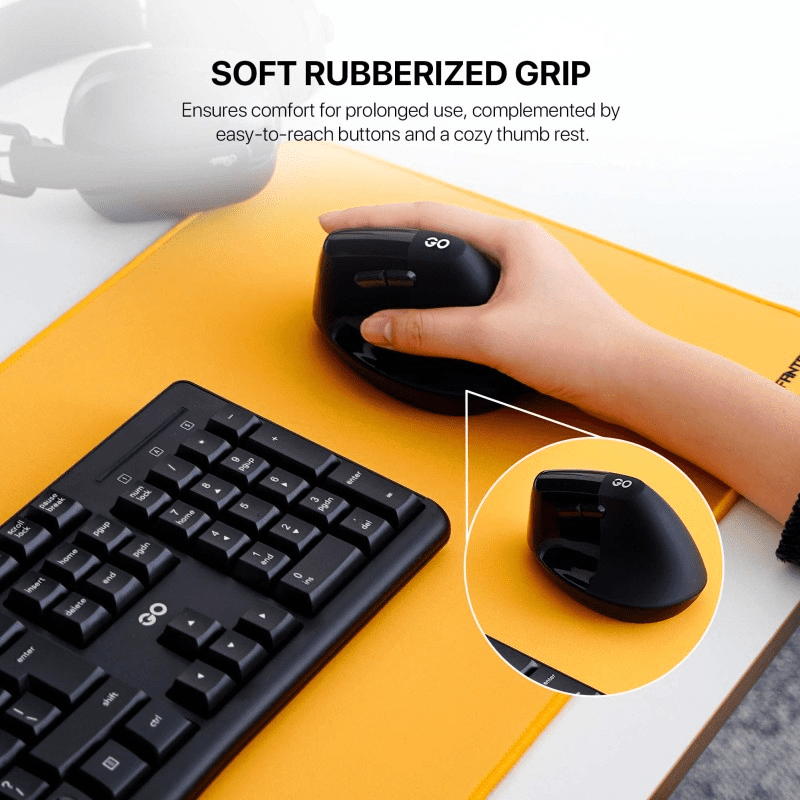
يتناسب شكله المريح مع راحة يدك، مما يوفر دعمًا كاملاً للمعصم، مما يقلل من التوتر والتعب. يضيف الطلاء غير اللامع والطبقة الناعمة ملمسًا فاخرًا، بينما تضمن خاصية التوصيل والتشغيل جاهزية الاستخدام فور إخراجه من العلبة، دون الحاجة إلى أي برنامج.
لماذا يجب عليك استخدام Go Comfy W195؟
تصميم عمودي مريح: يقلل من إجهاد المعصم ويحسن وضعية الذراع.
DPI قابل للتعديل: قم بتخصيص سرعة المؤشر للعمل أو اللعب.
قبضة مريحة: مصممة لتناسب يدك بشكل طبيعي للاستخدام طويل الأمد.
النقرات الصامتة: تقليل عوامل التشتيت في مساحات العمل المشتركة.
التوافق العالمي: يعمل مع أنظمة Windows وmacOS وLinux.
الأسئلة الشائعة
هل جهاز Go Comfy W195 مناسب للأشخاص الذين يعانون من آلام في المعصم؟نعم - يدعم التصميم الرأسي صحة المعصم ويمكن أن يساعد في تقليل الإصابات الناجمة عن الإجهاد المتكرر.
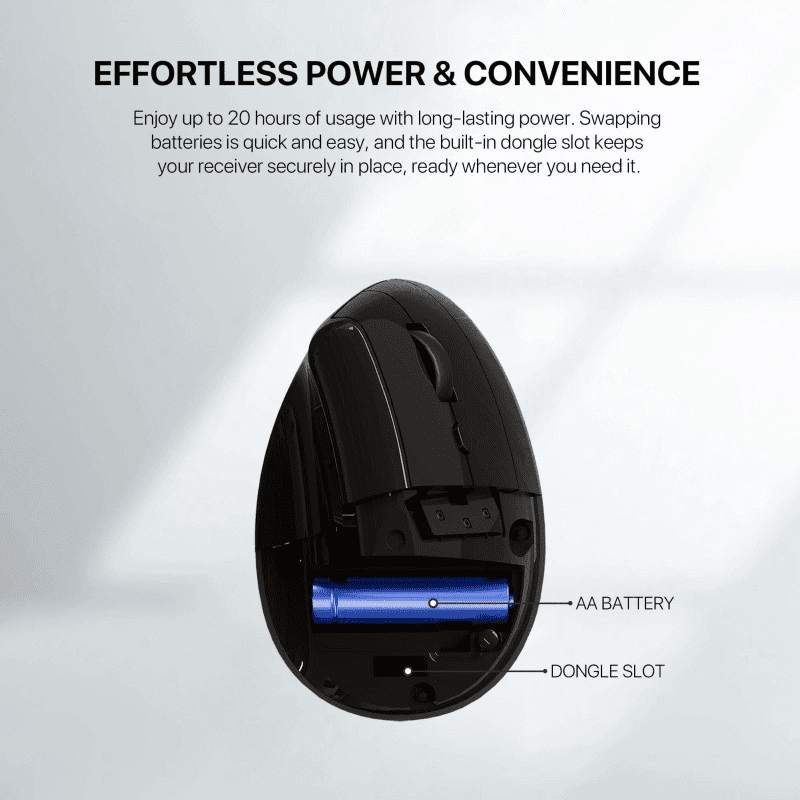
هل يتطلب برامج تشغيل؟لا - فهو عبارة عن توصيل وتشغيل من خلال اتصال USB.
هل يمكن استخدامه للألعاب؟ نعم - بفضل تتبعه الدقيق وراحته المريحة - فهو مناسب للألعاب غير الرسمية.